Toogo VS Trip Creator : Comparison software for DMCs
Explore the differences between two leading software solutions for Destination Management Companies, analyzing features, pricing, and user experiences.
· malysddm

Looking for the best software for your Destination Management Company (DMC)? Here's a quick breakdown of Toogo and Trip Creator, two platforms designed to simplify DMC operations.
- Toogo: A cloud-based tool offering trip creation, CRM, financial management, and logistics solutions. Ideal for large teams with complex needs, starting at $169/month per user.
- Trip Creator: Focuses on itinerary building, mobile access, and user-friendly onboarding. Great for smaller teams, starting at $59/month per user.
Quick Comparison
| Feature | Toogo | Trip Creator |
|---|---|---|
| Starting Price | $169/user/month | $59/user/month |
| Key Features | Trip Builder, CRM, Financial Tools | Itinerary Builder, Mobile App |
| Team Size Fit | Medium to Large Teams | Small to Medium Teams |
| Ease of Use | Learning curve, requires training | Quick onboarding and intuitive |
| Support | Paid support options | Included in plans |
Choose Toogo for robust, all-in-one management tools or Trip Creator for affordable, easy-to-use itinerary solutions.
Main Features Comparison
Toogo's Main Functions
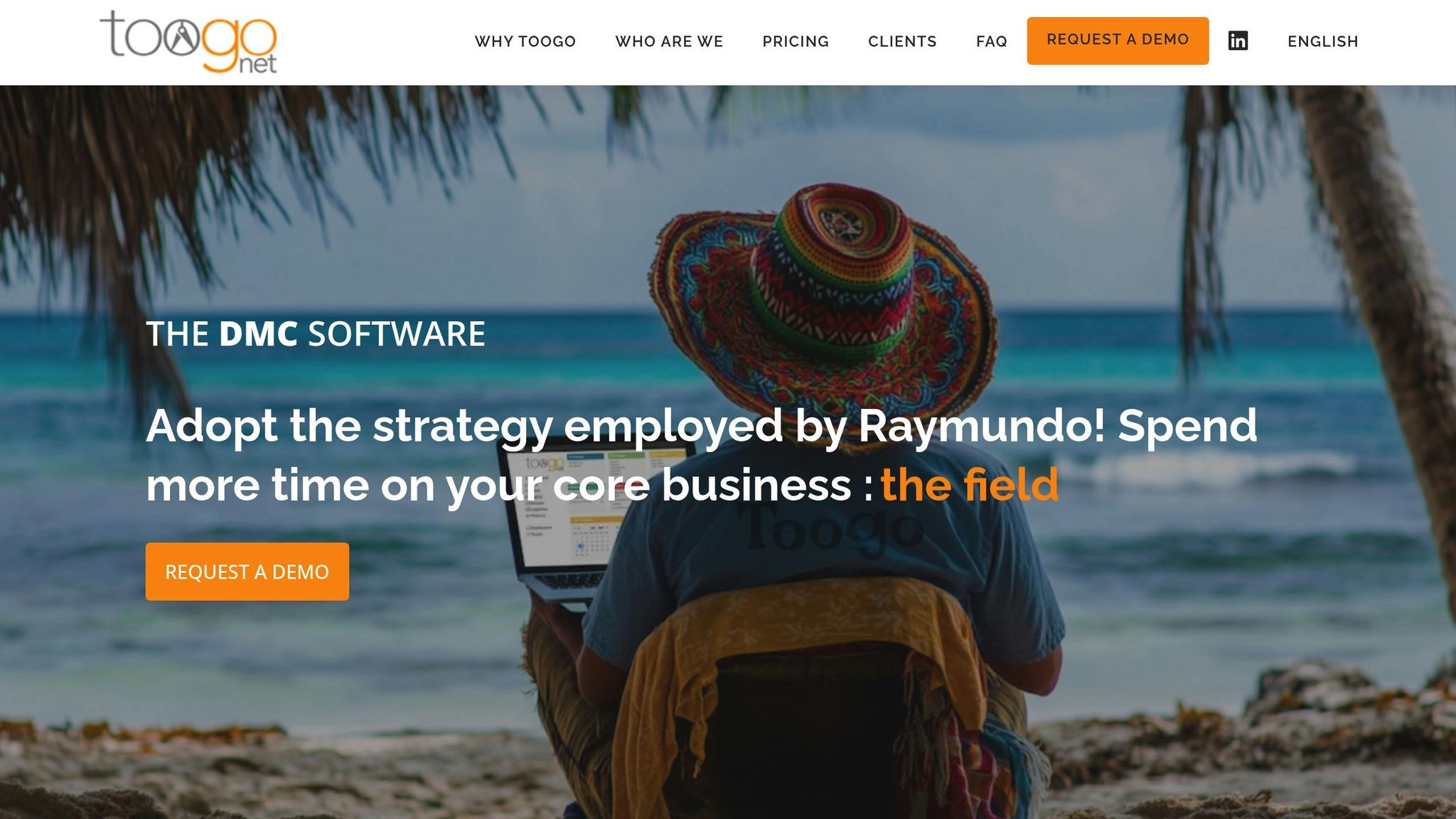
Toogo provides a suite of cloud-based tools designed specifically for Destination Management Company (DMC) operations. These tools integrate seamlessly to offer a complete business management solution.
Toogo's key features include:
- Advanced Trip Builder: Craft detailed itineraries with interactive maps.
- Sales Management System: Simplify quotes and booking processes.
- Logistics Management: Manage suppliers and reservations efficiently.
- Financial Reporting: Oversee accounting and generate analytical reports.
- Integrated CRM: Organize and maintain client relationships.
- Document Editor: Personalize client-facing materials.
- API Integration: Connect with external systems for added functionality.
A verified reviewer, Nicolas, praised the platform for its user-friendly design and versatility:
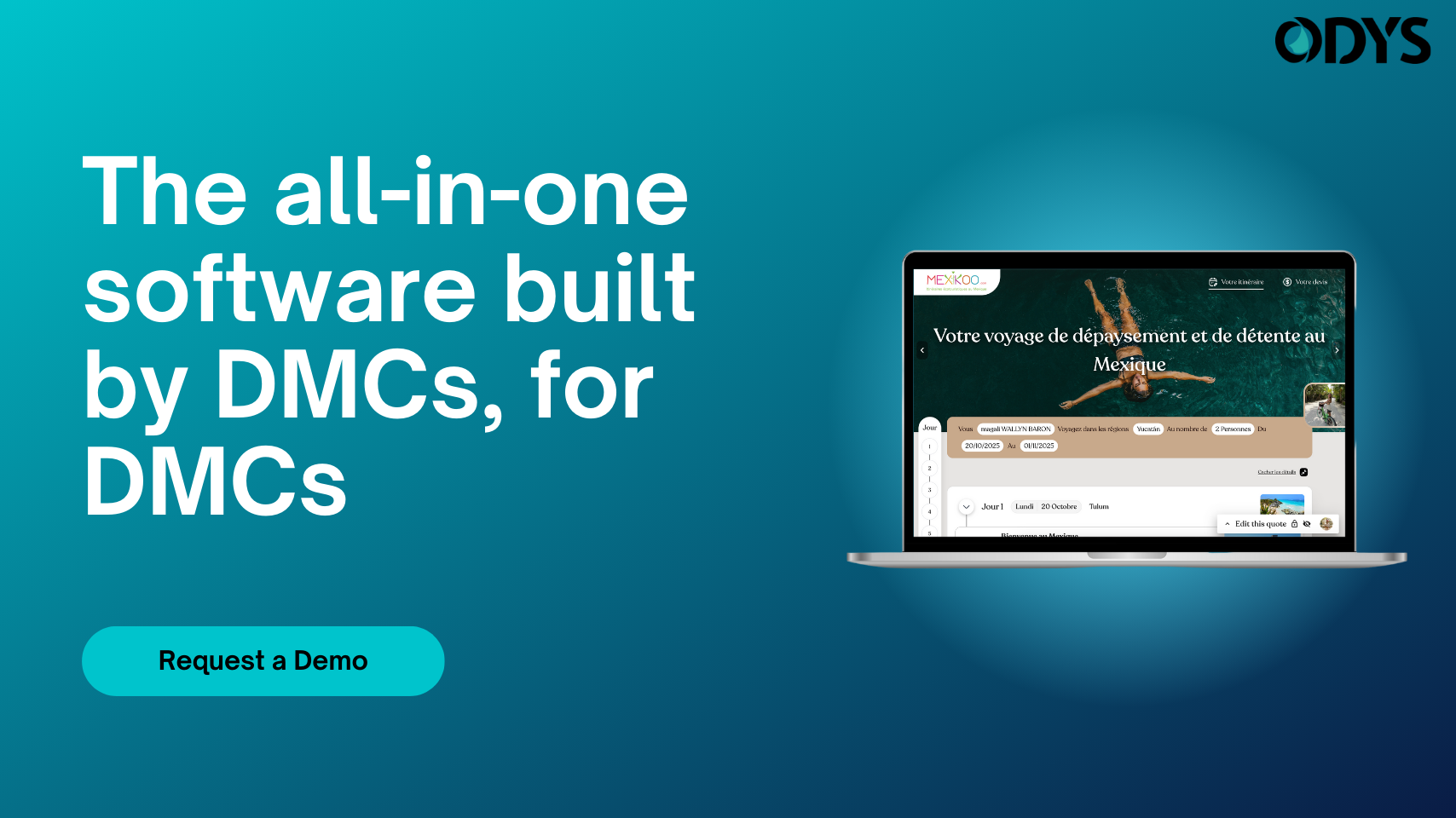
Trip Creator's Key Tools
On the other hand, Trip Creator offers tools aimed at simplifying travel operations and enhancing client engagement. Its standout features include:
- Itinerary Builder: Design visually appealing and detailed travel plans.
- Mobile App: Provide clients with easy access to their itineraries (available with Standard plans and above).
- Operations System: Manage backend processes effectively (available with Pro and Enterprise plans).
- Booking Management: Handle reservations and confirmations seamlessly.
- White Label Solutions: Enable custom branding to align with your business's identity.
- Team Collaboration: Facilitate teamwork and collaboration (available with Pro and Enterprise plans).
Feature Comparison Table
| Feature Category | Toogo | Trip Creator |
|---|---|---|
| Core Functions | Trip Builder, Sales Management, CRM | Itinerary Builder, Operations System, Mobile Access |
| Pricing Structure | From $169–$189/license/month | From $69–$599/user/month |
| Plan Types | Mini (1–4 users), Medio (5–10), Maxi (11+ users) | Standard, Pro, Enterprise |
| Mobile Access | Web-based platform | Dedicated mobile app |
| Customization | Document Editor, API Integration | White label options, custom branding |
| Team Features | Not available | Advanced team features (Pro/Enterprise) |
| Financial Tools | Integrated reporting system | Invoicing system (Pro/Enterprise) |
The two platforms take different approaches to supporting DMC operations. Toogo focuses on offering a broad range of business management tools in one platform. Meanwhile, Trip Creator emphasizes creating polished itineraries and fostering better client interaction. Ultimately, the right choice depends on your business's specific needs and team size.
Cost Analysis
Toogo's Price Plans
Toogo operates on a tiered pricing system based on the size of your team:
- MINI (1–4 users): $189 per license/month
- MEDIO (5–10 users): $179 per license/month
- MAXI (11+ users): $169 per license/month
Each license provides full access to all features of the tool. If you opt for an annual payment plan, you’ll receive a 10% discount.
Toogo also offers additional services at the following rates:
- Individual training: $50 per hour
- Group training (up to 8 people): $100 per hour
- Online assistance: $35 per hour during U.S. business hours
- On-site support: $400 per day, plus travel expenses
- Custom development: $50 per hour
Trip Creator's Price Structure
Trip Creator takes a different approach with its pricing, offering three distinct tiers:
- Standard: $59 per user/month
- Pro: $99 per user/month
- Enterprise: $499 flat rate/month (minimum 5 users)
Carl H., an Owner Operator, shared his perspective on the pricing:
"We LOVE the product but it is super expensive for us as an agency when even an admin person needs to pay full user fee."
Price Comparison Table
| Cost Category | Toogo | Trip Creator |
|---|---|---|
| Small Team (4 users) | $756/month (4 × $189) | $236/month (4 × Standard plan) |
| Medium Team (8 users) | $1,432/month (8 × $179) | $792/month (8 × Pro plan) |
| Large Team (15 users) | $2,535/month (15 × $169) | $499/month (Enterprise plan) |
| Custom Development | $50 per hour | Included in Enterprise plan |
| Support | $35 per hour (online assistance) | Included in subscription |
| Payment Options | Monthly/Annual (10% discount on annual) | Monthly/Annual |
Key Observations
- The Enterprise plan from Trip Creator offers clear cost savings for large teams.
- With Toogo, additional costs for training, support, and development can add up quickly.
- Both platforms charge for customization, but Trip Creator includes it in its Enterprise plan.
- Support costs differ significantly: Trip Creator bundles support into its plans, while Toogo charges based on usage.
This breakdown highlights how pricing can influence the decision between these two platforms, depending on team size and operational needs.
Setup and Ease of Use
Getting Started with Toogo
Toogo operates entirely in the cloud, so there’s no need for any installation. However, users must input essential business data manually, which can take a considerable amount of time. While the platform is designed to be user-friendly, many reviews mention that it comes with a learning curve. To make the most of Toogo, organizations should allocate time for comprehensive training to help their teams fully understand and use the platform effectively.
Getting Started with Trip Creator
Trip Creator focuses on simplifying the onboarding process with a structured implementation plan. This approach incorporates industry best practices to encourage swift user adoption. The platform offers role-specific training modules, self-paced learning options, and ongoing support resources, making it easier for new users to get up to speed. Compared to Toogo’s more manual setup, Trip Creator’s guided onboarding stands out as a more efficient and tailored solution.
Setup Time and Training Table
| Implementation Aspect | Toogo | Trip Creator |
|---|---|---|
| Onboarding Process | Manual data entry; time-consuming | Structured process with role-specific modules |
| Training and Support | Requires dedicated training; learning curve | Integrated training with ongoing support |
| Technical Requirements | Cloud-based | Cloud-based |
Wonderlog vs TripIt: The Best Travel Planner for You!
Platform Selection Guide
Here’s a breakdown to help you decide which platform aligns best with your DMC's operational needs.
Best Uses for Toogo
Toogo is designed for large-scale DMCs managing intricate operations and diverse client requirements. With a 4.7 rating for functionality, it stands out for its robust finance and reporting tools. Users have highlighted how it allows them to generate polished quotations in under five minutes.
Best Uses for Trip Creator
Trip Creator caters to small and medium-sized DMCs that prioritize affordability and efficiency in itinerary creation. Starting at just $59.00 per month, it offers a user-friendly interface with an ease-of-use rating of 4.7. This platform is perfect for teams looking for quick onboarding and the ability to produce professional itineraries with minimal effort.
Decision Factors
Here’s a quick comparison of the two platforms to help guide your decision:
| Factor | Toogo | Trip Creator | Best For |
|---|---|---|---|
| Budget Consideration | $189/month starting price | $59/month starting price | Budget-conscious DMCs (Trip Creator) |
| Team Size Impact | Volume discounts for larger teams | Per-user pricing | Larger teams (Toogo) |
| Learning Curve | Ease-of-Use: 4.5 rating | Ease-of-Use: 4.7 rating | Faster adoption (Trip Creator) |
| Support Quality | 4.8 customer support rating | 4.8 customer support rating | Both platforms offer excellent support |
Toogo offers additional perks like advanced document customization and six months of free data implementation assistance. Meanwhile, Trip Creator shines with its intuitive itinerary creation process, as noted by General Manager Pierre L:
"It's easy to build trip, really nice result for quotations, and super useful for financial and logistic works".
Your choice ultimately depends on your DMC's size, budget, and operational priorities. Smaller teams seeking a quick setup and straightforward functionality may find Trip Creator more suitable. On the other hand, larger DMCs requiring detailed features and advanced financial tools will likely benefit from Toogo.
FAQs
What are the main differences between Toogo and Trip Creator in terms of features and ideal users?
Toogo and Trip Creator cater to the needs of Destination Management Companies (DMCs) but target different business sizes and operational requirements.
Toogo is tailored for medium to large DMCs. It offers a comprehensive suite of tools for trip planning, logistics, financial reporting, and CRM. This platform is great for companies that manage intricate operations and need robust management capabilities to keep everything running smoothly.
In contrast, Trip Creator is designed with smaller teams in mind. Its straightforward interface includes features like an easy-to-use itinerary builder and customizable templates, making it ideal for quickly crafting and sharing travel plans. The primary distinction between these platforms lies in their complexity and the scale of the teams they’re built to support.
What are the pricing differences between Toogo and Trip Creator, and how do they affect costs for teams of various sizes?
The pricing structures for Toogo and Trip Creator are designed differently, which means the costs can vary significantly depending on the size of your team.
Toogo charges a flat rate of $150 per user per month. For larger teams, this can become a hefty expense. For instance, a team of 10 would face a monthly bill of $1,500. To help ease the cost, Toogo offers a 10% discount for teams that opt for annual payments, making it a bit more manageable for those planning long-term commitments.
Trip Creator takes a tiered approach to pricing, offering more flexibility based on team size. Their plans start at $59 per user per month for smaller teams, go up to $99 per user per month for medium-sized teams, and include custom pricing for larger enterprises. For example, custom plans start at $499 per month for at least five users, allowing bigger teams to tailor their subscription to their specific requirements.
Choosing between these two options largely depends on how many people are on your team and what your business priorities are.
What should Destination Management Companies (DMCs) consider when comparing Toogo and Trip Creator in terms of ease of use and customer support?
When weighing Toogo against Trip Creator, DMCs should consider two main factors: ease of use and customer support, as these play a big role in finding the right fit. Toogo comes with a user-friendly interface for creating trips and managing bookings. However, it does have a steeper learning curve, often requiring several weeks of training to become fully comfortable with the platform. Trip Creator, in contrast, seems to have a more intuitive setup, though specific details about its training process are harder to come by.
Customer support is another area worth examining. Toogo offers 24/7 customer assistance, which can be a lifesaver for DMCs juggling operations across various time zones or during busy travel seasons. By comparing these features with your team’s workflow and priorities, you’ll be better equipped to choose the platform that suits your business needs.